 New for Christmas
Your Christmas pregnancy announcement, made with your real scan
Add your scan and your names, and our AI paints four festive backgrounds around it — watercolour, clay, vintage and snowy. Your scan goes in exactly as it is, and you download a card to print plus a post and a story to share.
- Ready in a few minutes
- Your scan is never altered
- 5×7 print quality
Four festive little steps.
Step 1: Add your scan
Upload a photo of your scan printout — or, if you’ve had a NubHub reading, we’ll add that scan for you. Crop out the name and hospital details at the top.
Step 2: Add your words
Names for the stockings, a headline like “Our little Christmas miracle”, your due date and a sign-off.
Step 3: AI paints four backgrounds
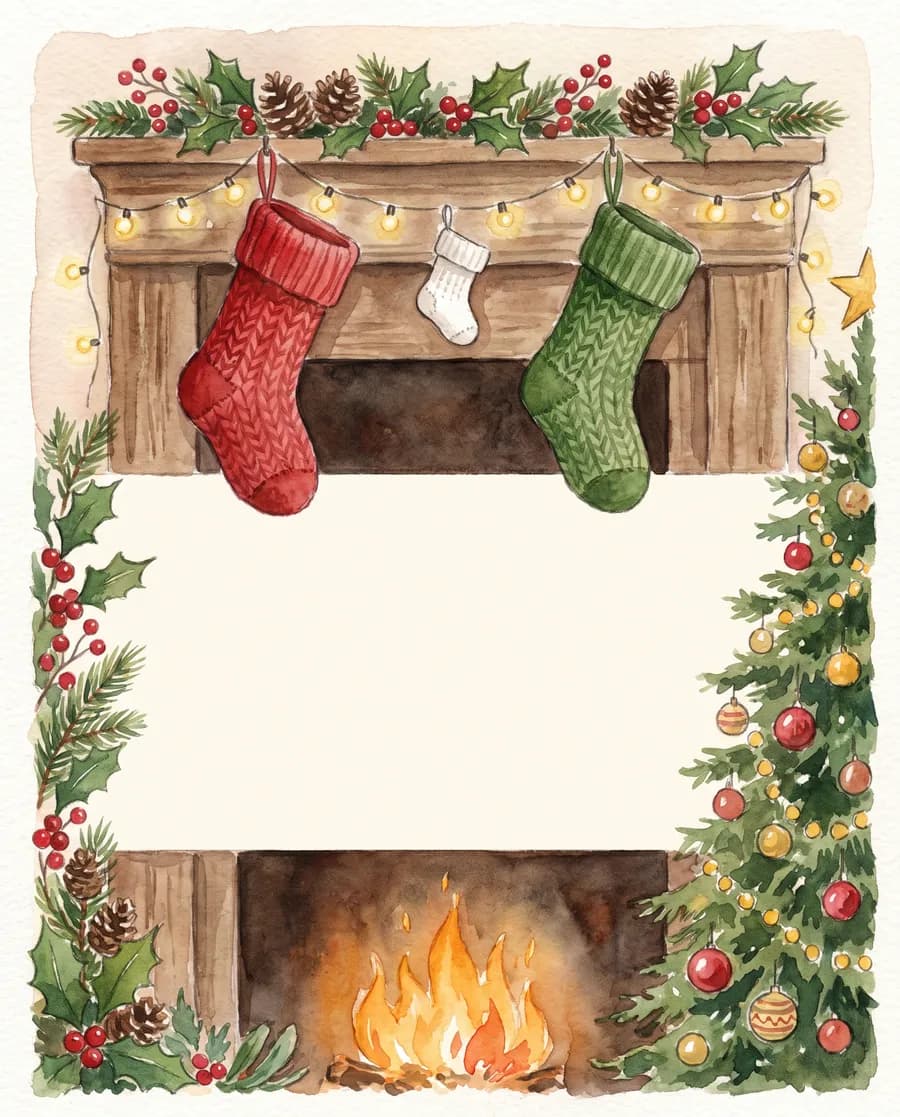
Watercolour, clay, vintage and snowy — your names stitched on the stockings and a calm space left in the middle.
Step 4: Download and share
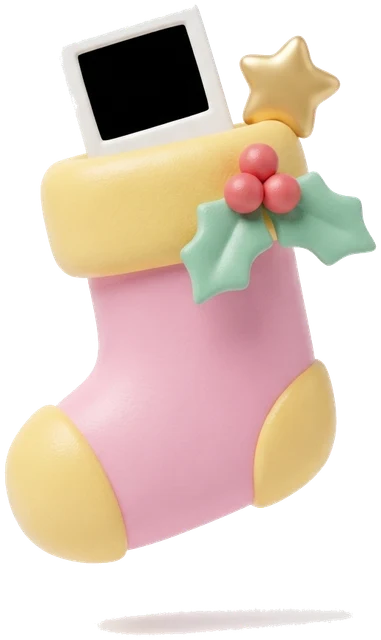
Your scan goes into a polaroid-style frame, untouched. Download a card to print, a post and a story.
What you get for £12.97
- Four AI-painted Christmas backgrounds, with your names on the stockings
- Your real scan in a polaroid-style frame — you choose the crop, the AI never touches it
- A 5×7 card at print resolution (1500 × 2100 pixels)
- A 4:5 post (1080 × 1350) and a 9:16 story (1080 × 1920)
- Caption ideas written by AI — heartfelt, funny and short
- Up to 12 AI generations, so you can redo a style you’re not keen on
Straight talk: the backgrounds and captions are made by AI, and AI lettering isn’t perfect — very occasionally a name on a stocking comes out wrong. If it does, redo that style. Your scan itself is never redrawn: it’s placed into the frame exactly as you uploaded it.
When to share your news at Christmas
There’s no right or wrong time — share whenever it feels right for you. Many UK parents wait until after their 12-week scan, which is also when many get their first scan photo. If yours lands before Christmas, the holidays are a lovely time to tell family, often with everyone together in one place.
Christmas pregnancy announcement ideas
- Tuck the card in with the grandparents-to-be’s presents, and make it the last one they open.
- Hang an extra tiny stocking on the mantelpiece and wait for someone to notice.
- Slip the printed card into the Christmas cards for your closest family.
- Prop the card against the tree for a festive photo of the two of you.
- Share your post or story on Christmas morning — once the family have heard first.
Questions, answered
Is my scan changed by the AI?
No. Your scan is placed exactly as you uploaded it — you choose the crop and the zoom, and that’s all. The AI only paints the background around it, and your scan is never sent to the AI at all.
How long does it take?
A few minutes. Each background takes around 20–30 seconds to paint, and they get going as soon as you’ve added your words.
Can I print it?
Yes. The card is 1500 × 2100 pixels, which prints sharply at 5×7 inches. Print it at home on photo paper, or use any photo-printing service.
What if I don’t like a style?
Redo it. Your order includes up to 12 AI generations: the first four backgrounds and your caption ideas use five, leaving 7 for redos. AI lettering isn’t perfect, so if a name on a stocking comes out wrong, redo that style.
What happens to my scan and details?
Your studio is private — only someone with your link can open it. Your scan and the details you type are only used to make your designs, and your inputs are deleted after 30 days, so download your designs to keep them.
What if something goes wrong?
If something goes wrong on our side, we’ll fix it or refund you — just email support@nubhub.baby. Because your keepsake is made straight away, the usual 14-day cancellation right ends once it’s started.
Do I need a NubHub reading first?
No. Anyone can use the studio with a clear photo of their scan. If you’ve had a nub reading with us, we’ll add that scan for you.
Made with AI, for fun and keepsakes — not medical advice. Secure checkout by Stripe.